Writing
Test Your SSL/TLS Configuration Before Your Users Do
Don't let certificate chain issues or outdated TLS configs bite you in production. Here's a bash tool that catches SSL/TLS problems before they catch you.
I recently spent way too long debugging why Node.js and Python were rejecting my acme.sh certificates on my private Traefik server. Turns out I was using the immediate certificate instead of fullchain.cer – classic certificate chain mistake.
That’s when I (re)discovered testssl.sh, and honestly, it’s become my go-to for SSL/TLS sanity checks.
What It Actually Does
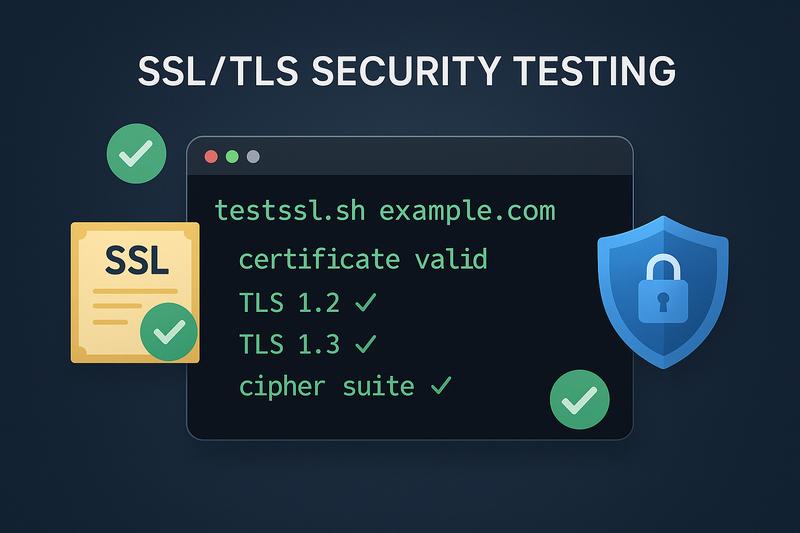
testssl.sh is basically a health check for your SSL/TLS setup. It’s a bash script that tests your server’s TLS configuration and tells you exactly what’s wrong – in plain English.
It catches everything from certificate chain issues (like mine 🤦) to outdated protocols, weak ciphers, and known vulnerabilities like Heartbleed or BEAST.
Dead Simple Usage
On macOS, just use Homebrew:
brew install testssl

# Then run it
testssl.sh example.com
For everyone else (or if you prefer running without installing):
# Just download and run
bash <(curl -L https://testssl.sh/testssl.sh) example.com

# Or clone if you want to keep it around
git clone --depth 1 https://github.com/testssl/testssl.sh.git
cd testssl.sh
./testssl.sh example.com
Why This Actually Matters
Here’s the thing: I know my home network’s attack surface is limited. But sometimes I expose services externally, and then I want that peace of mind. Plus, in a business context? Proper TLS configuration isn’t optional – it’s crucial.
And unlike public testing sites, testssl.sh runs locally – perfect for internal services, staging environments, or when corporate security policies don’t allow exposing endpoints to external scanners.
Keeping track of all the various SSL/TLS vulnerabilities is exhausting. POODLE, FREAK, Logjam, whatever new vulnerability dropped this week… testssl.sh tracks all of them for you.
What Makes It Better Than Alternatives
If you’ve used SSL Labs before, this is basically their command-line equivalent but better. It’s:
- Just a bash script – runs anywhere without Python dependencies
- More comprehensive – tests things I didn’t even know existed
- Actually maintained – unlike some other SSL testing tools
- Human-readable output – no cryptography degree required
- Private testing – no need to expose internal services to public sites like Qualys SSL Labs
Real Output That Saved My Bacon
When I ran it against my misconfigured Traefik server, it immediately flagged:
Certificate Chain Issues:
 Chain of trust               NOT ok (chain incomplete)
 (!) Intermediate certificate missing
Clear as day. Fixed it by switching to fullchain.cer, ran the test again, all green.
But it didn’t stop there – it also pointed out security headers I was missing:
HTTP Security Headers:
 Strict-Transport-Security    NOT offered
Right, HSTS. Added that to my Traefik config too. These are the kinds of things you know you should configure but somehow slip through the cracks.
The One-Liner I Run Before Every Deployment
testssl.sh --parallel example.comThe --parallel flag speeds things up if you’re testing multiple hosts. I used to recommend --fast but it’s deprecated now and can miss important security issues, so it’s better to run the full test.
Actually Pretty Useful
After using it to debug my certificate chain issue, I’m now running it against all my exposed services. It’s one of those tools that makes you realize how many security details you’ve been overlooking.
So yeah, if you’re running any TLS services (and who isn’t?), give testssl.sh a shot. It’s way better than waiting for your users to complain about certificate errors or, worse, getting dinged in a security audit.
What’s your go-to approach for SSL/TLS testing and monitoring? Have you had any close calls with certificate issues that could have been caught earlier? I’d love to hear about your security testing workflows and any tools you’ve found indispensable.